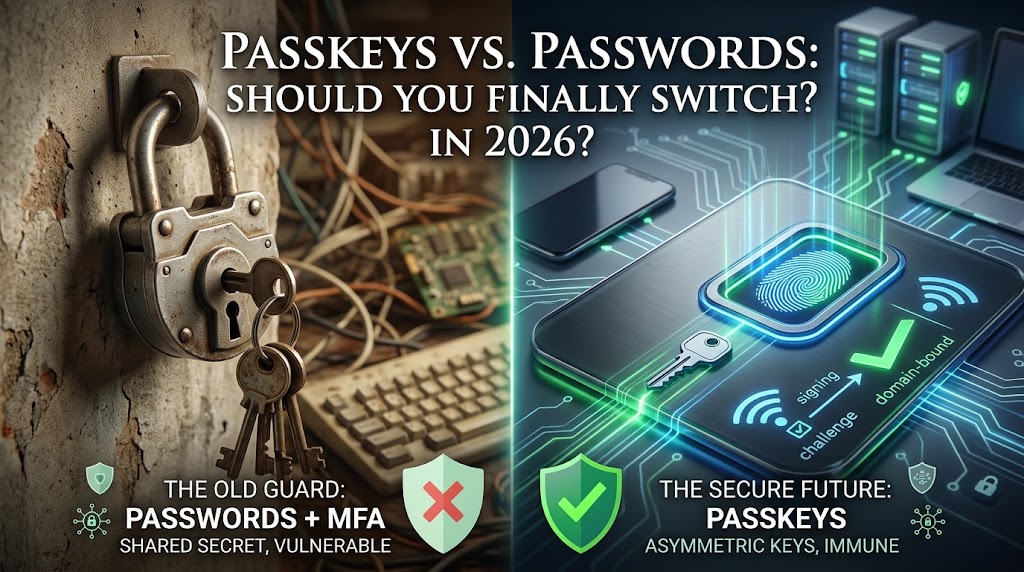
For decades, the standard advice for surviving the web felt like a full-time job: Create a 16-character password with uppercase letters, numbers, and symbols. Don’t reuse it. Store it in an encrypted vault. Enable SMS two-factor authentication.
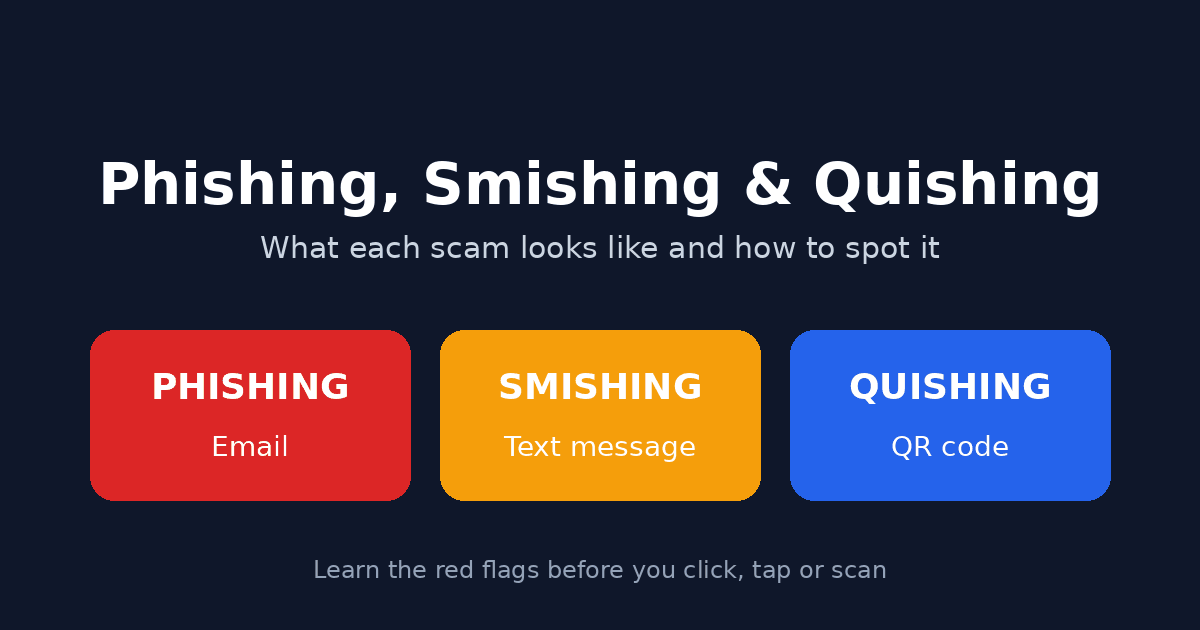
And yet, despite adhering to all these guidelines, human error remains the primary vector for data breaches. We type our master passwords into clever phishing sites, fall victim to SIM-swapping attacks, or reuse “secure” passwords when we get tired of managing them.
Enter passkeys. Built on asymmetric cryptography and backed by Apple, Google, Microsoft, and the FIDO Alliance, passkeys promise to eliminate passwords entirely.
As passkey adoption reaches a tipping point with over 75% of consumers enabling them on at least one account and major platforms treating them as the default sign-in method a key question emerges: Is it time to abandon your password manager and make the switch?
Here is a deep look into how passkeys work, how they stack up against legacy authentication, and what you need to consider before going passwordless.
What Are Passkeys, Really?
To understand passkeys, it helps to understand why passwords fail.
A password is a shared secret. You know it, and the server knows it (or at least stores a cryptographic hash of it). Every time you log in, you transmit that secretor a representation of it across the internet. If a site’s database gets breached, your secret is exposed. If an attacker spoofs a login page, you might hand that secret directly to a thief.
Passkeys throw out the shared secret model entirely. They are based on the W3C WebAuthn standard and use asymmetric (public-key) cryptography.
When you register a passkey for an account:
- Your device generates a unique pair of cryptographic keys: a private key and a public key.
- The public key is sent to the website’s server. It is useless to attackers on its own.
- The private key never leaves your local device or encrypted keychain.
When you log back in, the server sends a digital challenge. Your device uses its local private key to sign the challenge, unlocked by your phone or computer’s native biometrics (Face ID, Touch ID, Windows Hello) or device PIN. The server verifies the signature using your public key and logs you in instantly.
At no point does a password travel over the wire, nor is any secret stored on a remote server that could be stolen in a breach.
Passkeys vs. Passwords + MFA: The Direct Comparison
Many ask: “If I already use a password manager with 20-character random passwords and an Authenticator app (TOTP), am I not already safe?”
While strong passwords paired with hardware tokens or authenticator apps are secure, passkeys fundamentally change the threat landscape across key security fronts:
- Phishing Resistance: Traditional passwords and SMS/App MFA are vulnerable to proxy phishing attacks (such as Evilginx) that harvest credentials in real time. Passkeys are immune by design because authentication requests are mathematically bound to the verified domain name in your browser.
- Server-Side Data Breaches: Passwords and hashes stored on server databases can be leaked or cracked. Passkeys store only public keys on the server, making server leaks useless to hackers.
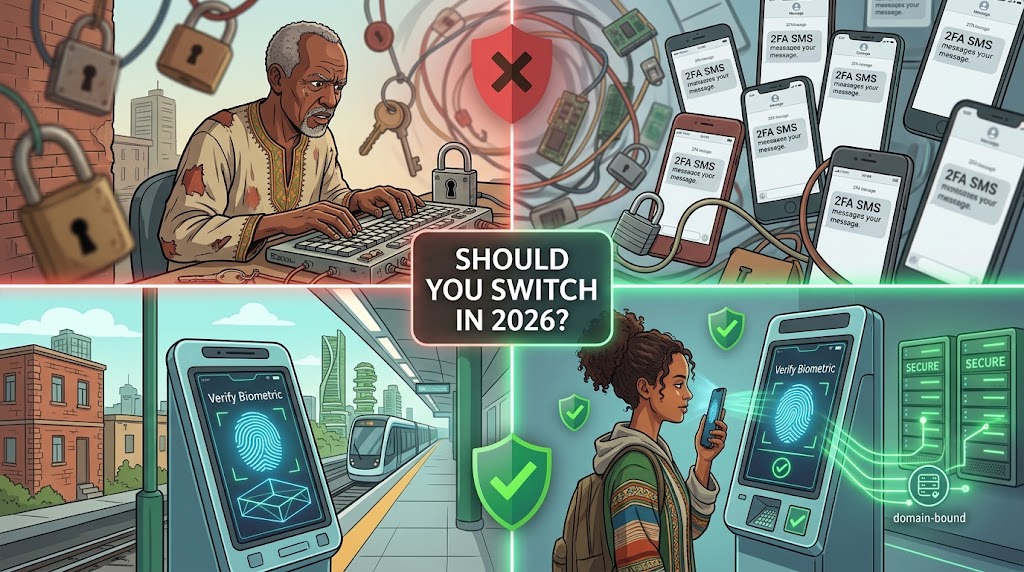
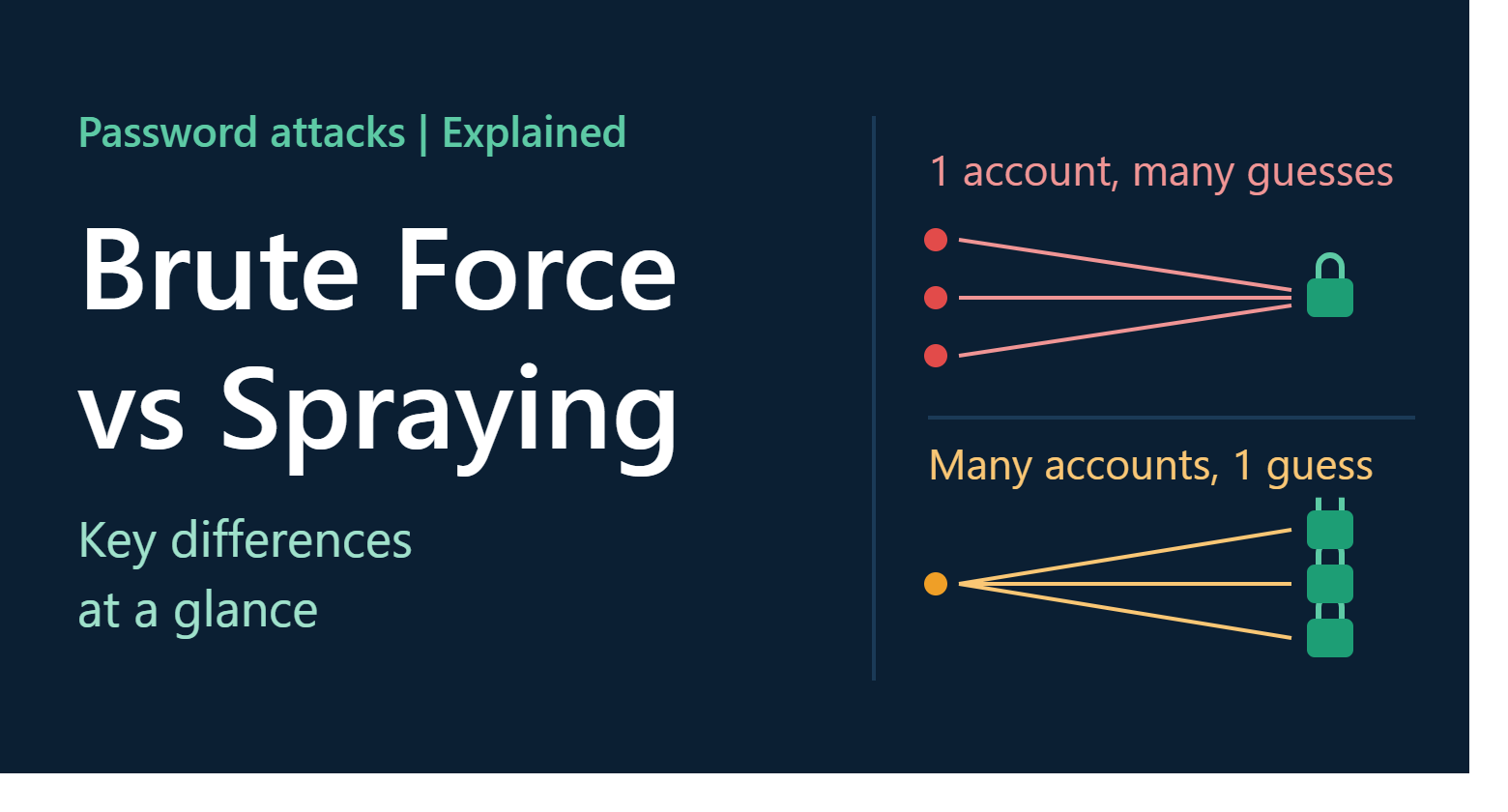
- Credential Stuffing: Reused passwords put all your accounts at risk if one site is compromised. Passkeys make credential stuffing impossible because every key pair is strictly site-specific.
- User Friction: Passwords demand memory or manual app-switching for 6-digit codes. Passkeys reduce authentication to a seamless 2-to-3 second biometric scan.
- MFA Fatigue and Push Attacks: Fraudulent push notifications can trick users into approving login requests. Passkeys require physical presence and local biometrics, eliminating remote approval fatigue entirely.
Why Phishing Resistance is the Game-Changer
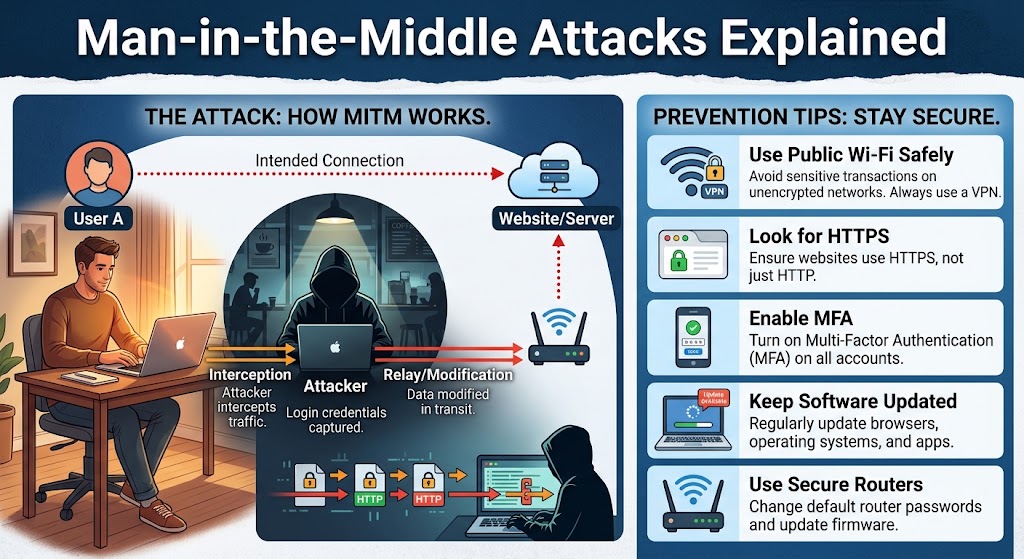
In a modern adversary-in-the-middle (AiTM) phishing attack, hackers create a middleman server proxying a real site. When you type your password and enter your 6-digit authenticator code into the fake site, the attacker captures both in real time and steals your session token.
Passkeys render this impossible. The WebAuthn API automatically binds authentication requests to the specific domain (e.g., apple.com) in the browser URL bar. If an attacker tricks you into visiting appIe-login.com (with a capital i), your browser checks the origin, realizes it doesn’t match the registered domain for that passkey, and simply refuses to sign the challenge. The phishing site receives nothing.
Synced Passkeys vs. Hardware (Device-Bound) Passkeys
Not all passkeys behave identically. Depending on how you store them, passkeys fall into two main architecture types:
1. Synced Passkeys (Cloud-backed)
These are what most consumer’s experience. When you create a passkey on iOS, macOS, Android, or Windows, it syncs across your signed-in devices using end-to-end encrypted keychains (iCloud Keychain, Google Password Manager, Microsoft Wallet) or cross-platform vault extensions like 1Password, Bitwarden, and Dashlane.
- Pros: Drop your phone in water? Your passkeys are restored automatically when you sign into your cloud account on a replacement device.
- Cons: Security is bound to the underlying security of your primary ecosystem account (Apple ID, Google Account, 1Password Master Key).
2. Device-Bound Passkeys (Hardware Keys)
These passkeys are generated inside dedicated security hardware such as a Yubi Key, Google Titan Key, or a computer’s isolated Trusted Platform Module (TPM).
- Pros: The private key can never be exported or extracted, even if the OS is infected with malware.
- Cons: Zero cloud backup. If you lose your Yubi Key and have no backup key registered, you are locked out unless account recovery flows exist.
The Real-World Challenges: Why Passwords Haven’t Died Yet
While the underlying cryptography is solid, transitioning the global web to passkeys introduces real-world trade-offs.
A. The Cross-Ecosystem Friction
If you operate entirely inside Apple’s ecosystem (iPhone, Mac, iPad) or Google’s ecosystem (Android, Chromebook), synced passkeys feel seamless.
However, if you use an iPhone alongside a Windows PC or a Linux workstation, authenticating via native platform passkeys can involve scanning a Bluetooth/QR code prompt on your phone screen to verify your identity on your desktop. Cross-platform password managers (like 1Password, Bitwarden, and Dashlane) have significantly mitigated this by syncing passkeys universally via browser extensions, but setup still requires active management.
B. Account Recovery (“The Lost Phone Problem”)
With passwords, “I forgot my password” triggers an email reset link. With passkeys, your device is your key.
If you rely on device-bound passkeys or lose access to your primary cloud account, recovering access requires fallback options like:
- Backup security keys.
- Saved emergency recovery codes.
- Fallback identity verification (identity documents, secondary trusted emails).
C. Shared Credentials and Workflows
Sharing a Netflix password with family or a corporate tool login with a colleague was historically as simple as sending a text string. Sharing passkeys requires encrypted system-level delegation (like Apple’s Air Drop credential sharing, shared password manager vaults, or FIDO credential sharing specs). While third-party credential managers have solved team passkey sharing, native platform passkey sharing remains fragmented across competing operating systems.
The Decision Matrix: Should You Switch?
Moving to passkeys isn’t an all-or-nothing proposition. The practical strategy is to adopt a hybrid approach.
1. Enable Passkeys Immediately On:
- Primary Identity Accounts: Google, Apple ID, Microsoft Account. Protecting these secures the foundation of your digital identity.
- Financial Services & Crypto: Banks, brokerages, and exchanges that support WebAuthn. These are primary targets for phishing and credential stuffing.
- Developer Platforms: GitHub, AWS, Cloudflare, GitLab. High-value targets where SMS MFA is a known vulnerability.
- High-Frequency Consumer Sites: Amazon, PayPal, eBay, Shopify-backed stores. Eliminating password entry speeds up everyday transactions significantly.
2. Stick to Strong Passwords + MFA On:
- Legacy Platforms: Services that lack native WebAuthn support.
- Shared/Family Services: Accounts accessed by multiple people where your credential manager doesn’t yet support seamless passkey sharing.
- Local Network Infrastructure: Router admin panels, local NAS boxes, and offline equipment.
Practical Setup Guide: Migrating Safely
If you’re ready to transition your accounts to passkeys, follow these steps to ensure you remain secure without locking yourself out:
Step 1: Pick Your Passkey Storage Model
Decide where your passkeys will live:
- The All-in-One Vault Route (Recommended for mixed OS users): Use a cross-platform manager like 1Password, Bitwarden, or Dashlane. This allows passkeys created on your iPhone to work smoothly inside Chrome or Firefox on Windows/Linux.
- The Native Ecosystem Route (Simplest for single-platform users): Rely on Apple iCloud Keychain or Google Password Manager if all your devices belong to the same manufacturer.
Step 2: Upgrade Your Accounts One by One
Visit the security settings of supporting services (e.g., GitHub → Settings → Security → Passkeys):
- Click “Add a Passkey.”
- When prompted by your OS or vault, approve the creation via biometrics (Face ID/Touch ID/PIN).
- Label the key clearly (e.g., “Work MacBook Air” or “1Password Vault”).
Step 3: Establish Fallbacks
Never leave a critical account tied to a single physical device without a backup option:
- Print or save recovery codes in a physical safe or secure location.
- Register a second device (e.g., an iPad or laptop) or a physical hardware security key as an alternative sign-in method.
Final Idea
The answer to whether you should switch to passkeys comes down to a clear distinction between architecture and workflow:
- Cryptographically: Passkeys are unequivocally superior to passwords in every measurable metric. They eliminate phishing risks, prevent server-side leak compromises, and streamline daily sign-ins.
- Practically: Transitioning to passkeys is a gradual migration, not an overnight toggle.
You don’t need to delete your password manager today. Instead, treat passkeys as your primary authentication tier wherever supported, while retaining your password vault for legacy sites and emergency backups. The era of memorizing string combinations and dodging phishing lures is coming to an end and making the upgrade on your primary accounts is one of the single most effective steps you can take for your personal digital security.